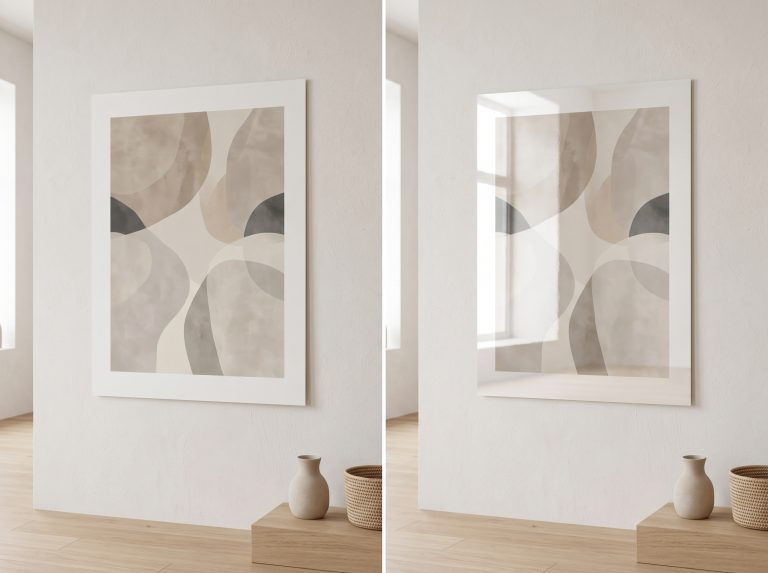
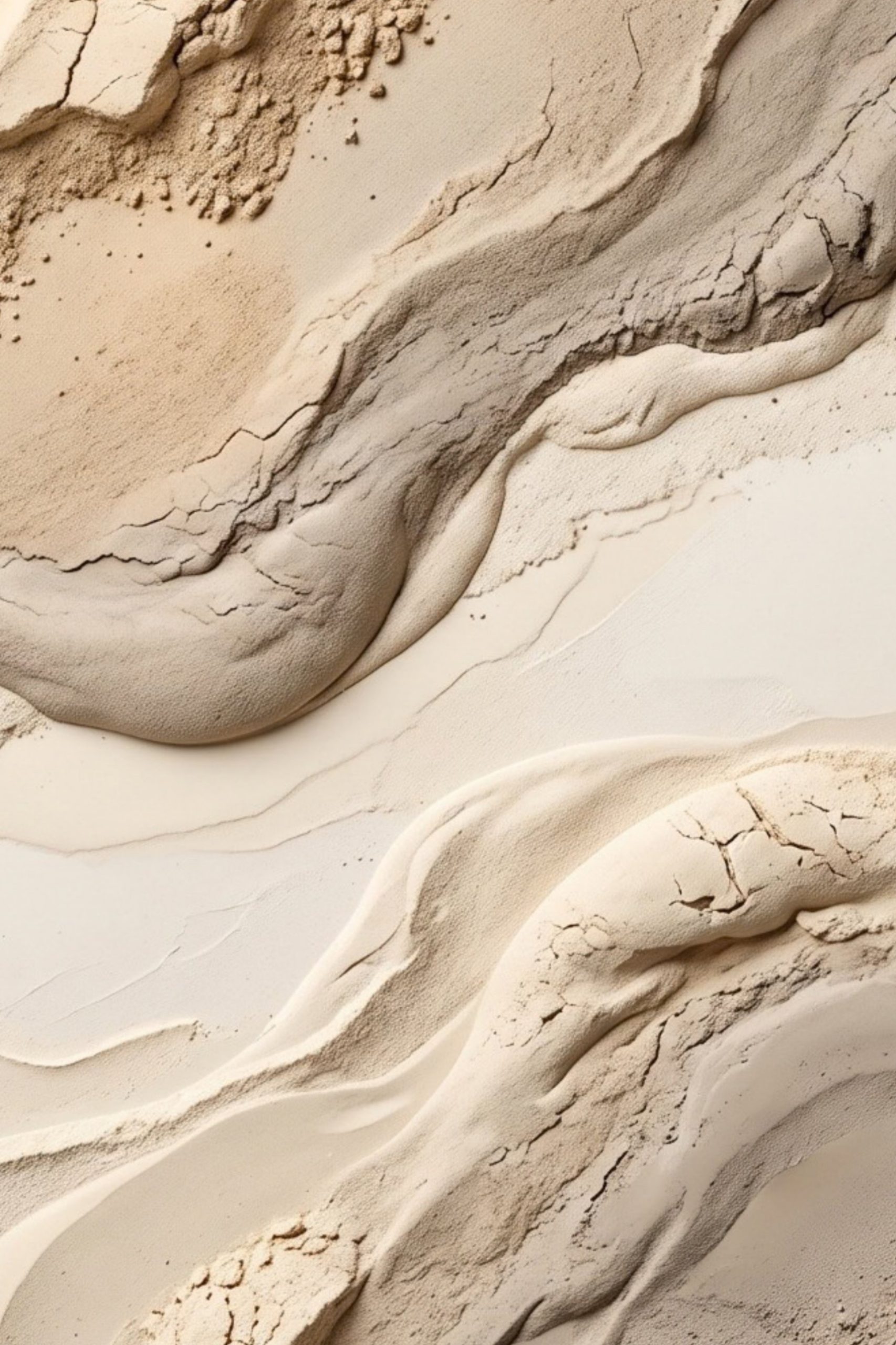
Printable Wall Art Size Guide: Ratios, Frames & File Sizes Explained
Printable wall art is sold by aspect ratio, not by size. A ratio is the proportion of width to height, and every print size belongs to one. Choose your frame size first, find which ratio it belongs to, and print the file for that ratio. Most printable art comes with five files: 2:3, 3:4, 4:5, 11:14 and the international A-series, which between them cover almost every standard frame in the UK, Europe and the US.
This printable wall art size guide gives you the full size chart for each ratio in inches and centimetres, the pixel dimensions each size needs, and a simple method for matching a file to a frame. For the broader picture of standard frame sizes and where they work in a room, see what are the most common art print sizes.
The Five Ratios at a Glance
Each shape below is drawn to its true proportion, at the same height, so you can see how the ratios differ. The narrower the shape, the taller and slimmer the print.
2:3
tallest
A-series
1:1.41
3:4
11:14
4:5
squarest
The five standard printable art ratios, drawn to scale. Landscape versions are the same shapes turned on their side.
The differences look small, but they matter. Print a 2:3 file into an 8×10 frame and roughly a sixth of the image has to be cropped away or left as white space.
The Printable Wall Art Size Chart
The tables below list the standard sizes in each ratio, with the pixel dimensions needed to print each one at 300 DPI, the usual standard for sharp prints viewed close up. Pixel dimensions are what really determine print size; the resolution section below explains why.
2:3 ratio
The tallest standard ratio, shared with most camera photographs. It covers the widest range of sizes, from small prints to large posters.
| Inches | Centimetres | Pixels at 300 DPI |
|---|---|---|
| 4 × 6 | 10.2 × 15.2 | 1200 × 1800 |
| 8 × 12 | 20.3 × 30.5 | 2400 × 3600 |
| 12 × 18 | 30.5 × 45.7 | 3600 × 5400 |
| 16 × 24 | 40.6 × 61.0 | 4800 × 7200 |
| 20 × 30 | 50.8 × 76.2 | 6000 × 9000 |
| 24 × 36 | 61.0 × 91.4 | 7200 × 10800 |
Metric frames in this ratio include 20×30 cm, 40×60 cm and 60×90 cm.
3:4 ratio
Slightly broader than 2:3, and a comfortable, balanced shape for both portrait and landscape art.
| Inches | Centimetres | Pixels at 300 DPI |
|---|---|---|
| 6 × 8 | 15.2 × 20.3 | 1800 × 2400 |
| 9 × 12 | 22.9 × 30.5 | 2700 × 3600 |
| 12 × 16 | 30.5 × 40.6 | 3600 × 4800 |
| 18 × 24 | 45.7 × 61.0 | 5400 × 7200 |
Metric frames in this ratio include 30×40 cm and 60×80 cm, both very common in UK and European frame shops.
4:5 ratio
The squarest standard ratio, and home to the classic 8×10 and 16×20 frames.
| Inches | Centimetres | Pixels at 300 DPI |
|---|---|---|
| 4 × 5 | 10.2 × 12.7 | 1200 × 1500 |
| 8 × 10 | 20.3 × 25.4 | 2400 × 3000 |
| 16 × 20 | 40.6 × 50.8 | 4800 × 6000 |
| 24 × 30 | 61.0 × 76.2 | 7200 × 9000 |
Metric frames in this ratio include 40×50 cm.
11:14 ratio
A ratio with essentially one popular size, 11×14 in, which is common enough in the US to justify its own file.
| Inches | Centimetres | Pixels at 300 DPI |
|---|---|---|
| 11 × 14 | 27.9 × 35.6 | 3300 × 4200 |
| 22 × 28 | 55.9 × 71.1 | 6600 × 8400 |
International A-series (ISO 216)
The paper sizes used across the UK, Europe and most of the world. Every A size has the same proportion, roughly 1:1.41, and each is exactly half the size of the one above it.
| Size | Millimetres | Inches | Pixels at 300 DPI |
|---|---|---|---|
| A5 | 148 × 210 | 5.8 × 8.3 | 1748 × 2480 |
| A4 | 210 × 297 | 8.3 × 11.7 | 2480 × 3508 |
| A3 | 297 × 420 | 11.7 × 16.5 | 3508 × 4961 |
| A2 | 420 × 594 | 16.5 × 23.4 | 4961 × 7016 |
| A1 | 594 × 841 | 23.4 × 33.1 | 7016 × 9933 |
How to Choose the Right File for Your Frame
- Decide on the frame first. Measure the wall and furniture, and pick a frame size that suits the space. Our guide to how big wall art should be helps with this step.
- Check whether the frame has a mount (also called a mat). If it does, the print size is the mount’s opening, not the frame size.
- Find that print size in the chart above to see which ratio it belongs to.
- Print the file for that ratio, at exactly that size.
Quick lookup: frame size to file
| Print size | Use the file |
|---|---|
| 4×6, 8×12, 12×18, 16×24, 20×30, 24×36 in; 20×30, 40×60, 60×90 cm | 2:3 |
| 6×8, 9×12, 12×16, 18×24 in; 30×40, 60×80 cm | 3:4 |
| 4×5, 8×10, 16×20, 24×30 in; 40×50 cm | 4:5 |
| 11×14, 22×28 in | 11:14 |
| A5, A4, A3, A2, A1 | A-series |
| 5×7 in, 13×18 cm, 50×70 cm, 70×100 cm | A-series (closest match; see below) |
What about 5×7 and 50×70 frames?
These sizes are not in any of the five standard ratios, but they are close to the A-series shape. A 50×70 cm frame has a proportion of about 1:1.40, against 1:1.41 for A-series, so printing the A-series file at 50×70 cm loses only around one per cent of the image to cropping. The same is true of 70×100 cm and of 5×7 in. A 13×18 cm print crops a little more, roughly two per cent, which is usually unnoticeable in an abstract piece but worth checking if the artwork has important detail near the edges.
Using a mount to bridge sizes
A mount gives you more flexibility. A popular combination is an 8×10 in print in an 11×14 in frame, or an A4 print in a 30×40 cm frame, with the mount filling the gap. The mount opening is cut to the print size, so the ratio you need is the ratio of the print, not the frame. A wide mount also makes a modest print look considered and gallery-like. See how to frame printable wall art for mount sizes and fixing the print.
A Worked Example
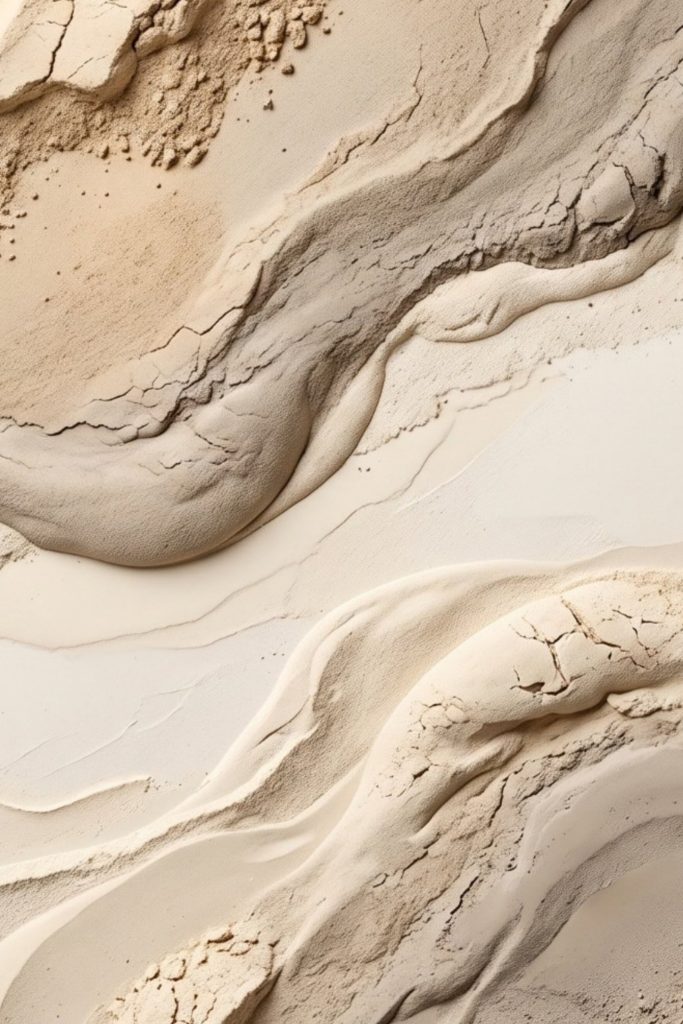
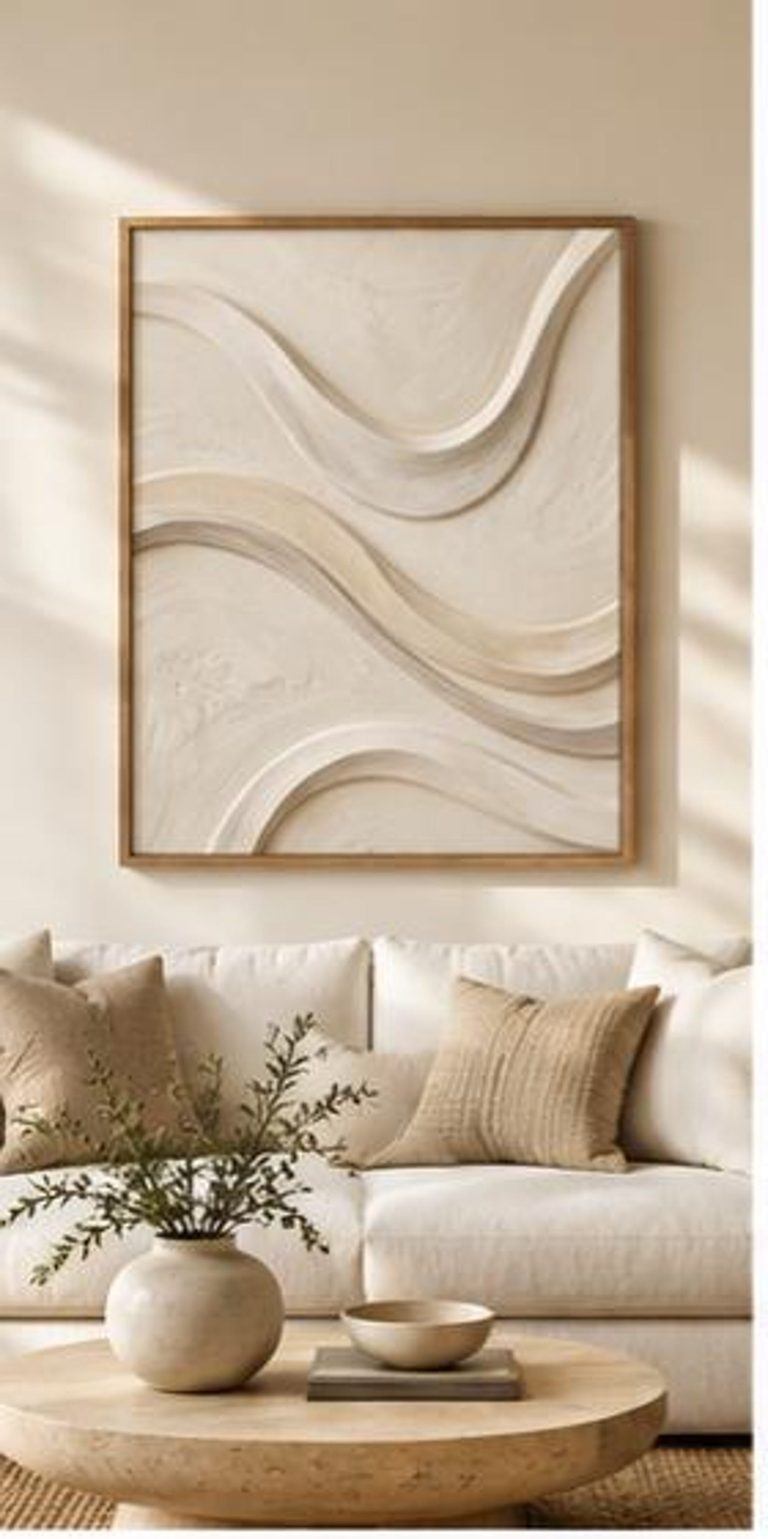
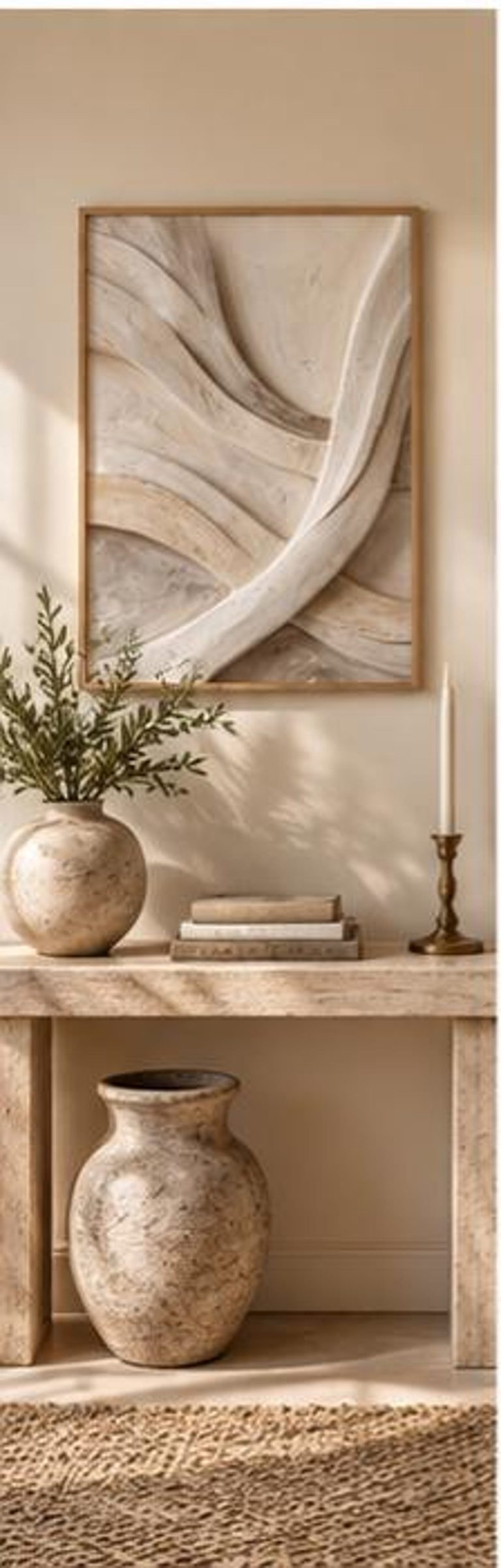
Say you want to hang Sandstone Flow Texture on a narrow wall beside a console. Like every piece in our Neutral Abstract Printable Wall Art Collection, it comes with the five ratio files above.
- In the US, with a 16×20 in frame and no mount: print the 4:5 file at 16×20 in.
- In the US, with an 18×24 in frame and a mount showing a 12×16 in opening: print the 3:4 file at 12×16 in.
- In the UK, with an A3 frame: print the A-series file at A3.
- In the UK, with a 50×70 cm frame: print the A-series file at 50×70 cm and check the preview for the small crop.
Because each ratio file is composed separately, the position of the diagonal channel that runs through the piece shifts slightly between files. That is intentional: each crop is arranged to look balanced in its own shape.
Resolution: Do the Files Support Every Size?
A printable file has a fixed number of pixels. To print at 300 DPI (dots per inch), each inch of the print needs 300 pixels, so the pixel tables above tell you the size each file can print at full quality. To check yours, open the file’s properties (Get Info on a Mac, Properties on Windows) and look at the pixel dimensions. Divide each by 300 to find the largest full-quality size in inches.
Many sellers prepare each ratio file for its largest size. Etsy limits each download file to 20MB, though, so the very largest sizes in a ratio are sometimes supplied at a slightly lower resolution. For prints viewed from across a room, a lower resolution can still look excellent, because the eye cannot resolve as much detail at a distance. For small prints viewed close up, aim for the full 300 DPI. Our guide to how big you can print a 300 DPI image explains how viewing distance changes the numbers.
Never make a file bigger by enlarging it in an image editor: it adds pixels but not detail, and the result looks soft. If you do need to change a file’s shape or size, follow our guide to resizing printable wall art without losing quality.
Common Sizing Mistakes
- Buying the frame after the print, then finding the sizes do not match.
- Measuring the frame instead of the mount opening when a mount is included.
- Using the nearest-looking file rather than the matching ratio, so the printer crops the art.
- Stretching a file to fit, which distorts the image.
- Assuming metric and imperial sizes are interchangeable. 8×10 in and A4 look similar but have different ratios: 1:1.25 against roughly 1:1.41.
Final Thoughts
Sizing printable art is simple once you think in ratios: choose the frame, find its ratio, and print that file at that size. Keep the chart above to hand, check the file’s pixel dimensions before ordering a large print, and use a mount whenever you want extra flexibility or a more finished look.
When you are ready to print, our guides to the best paper for printable wall art and where to print digital art from Etsy cover the next steps, and you can browse more styles on our printable art page.